

How it works
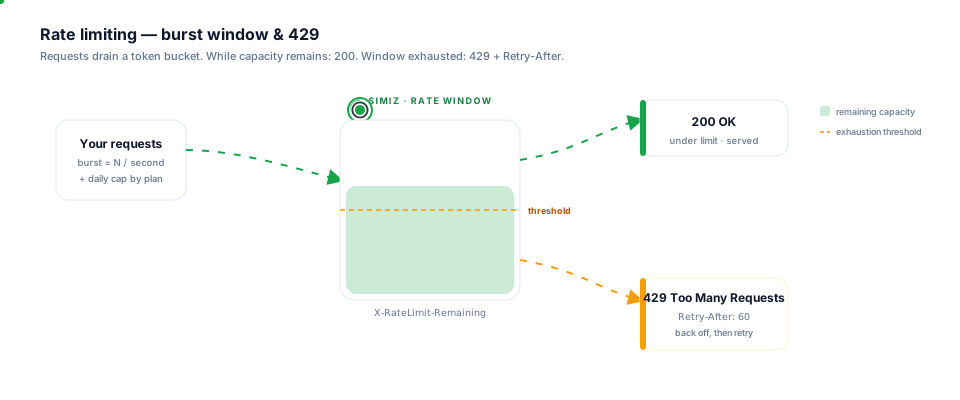
Requests drain a token bucket. While capacity remains the API returns 200; once the burst window is exhausted it returns 429 with a Retry-After header.
Rate limit headers
Every API response includes headers to help you monitor your usage:Handling rate limit errors
When you exceed the limit, the API returns HTTP 429 Too Many Requests:Retry with exponential backoff
Best practices
Cache responses
Cache data that doesn’t change often to reduce API calls.
Exponential backoff
On rate limits, wait with increasing delays between retries.
Check headers
Monitor
X-RateLimit-Remaining to anticipate limits before hitting them.Spread calls
Distribute API calls over time instead of sending bursts.
Need higher limits? Contact our sales team for plans with increased rate limits.